
If you’re looking to convert your Apple iTunes card, it’s likely because you want to use its balance for purposes beyond the iTunes Store, App Store, or Apple Music—such as transferring funds to a bank account, using it for other online purchases, or exchanging it for another currency. Before starting, confirm your card is valid (unexpired, no used balance) and note its region, as iTunes cards are often tied to specific countries and may not work with all conversion services. Also, double-check that the card hasn’t been redeemed already, as converted cards can’t be reused for Apple services.
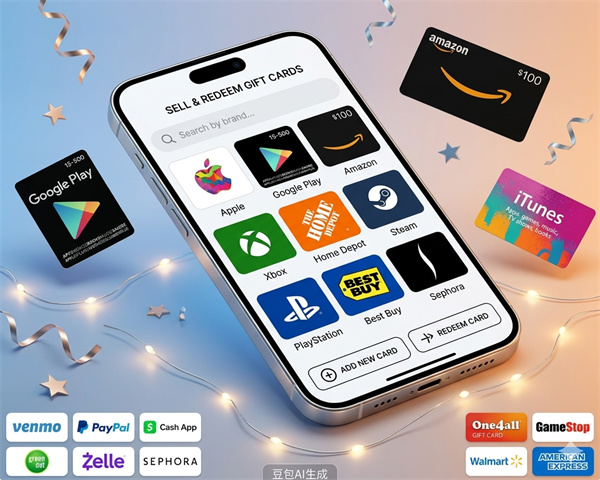
One common way to convert your iTunes card is through reputable online exchange platforms. First, sign up for a trusted platform that supports iTunes card conversions; ensure the platform has positive user reviews and clear privacy policies to avoid scams. Next, enter your iTunes card details (usually the 16-digit code and PIN) and specify the amount you want to convert. Choose your preferred payout method—options may include PayPal, direct bank transfer, or digital wallets—and confirm the exchange rate and fees (if any) before proceeding. Once you submit the request, the platform will verify your card and process the conversion, which typically takes a few minutes to a few hours depending on the service.
There are important precautions to keep in mind when converting your iTunes card. Avoid unregulated platforms that promise unrealistic exchange rates or ask for excessive personal information, as these are often fraudulent. Always read the platform’s terms of service to understand any restrictions, such as minimum conversion amounts or region limitations. If you encounter issues during the process—like delayed payouts or verification problems—reach out to the platform’s customer support immediately. Additionally, remember that once converted, you can’t revert the iTunes card balance back to its original form, so make sure you’re certain about the conversion before finalizing the request.